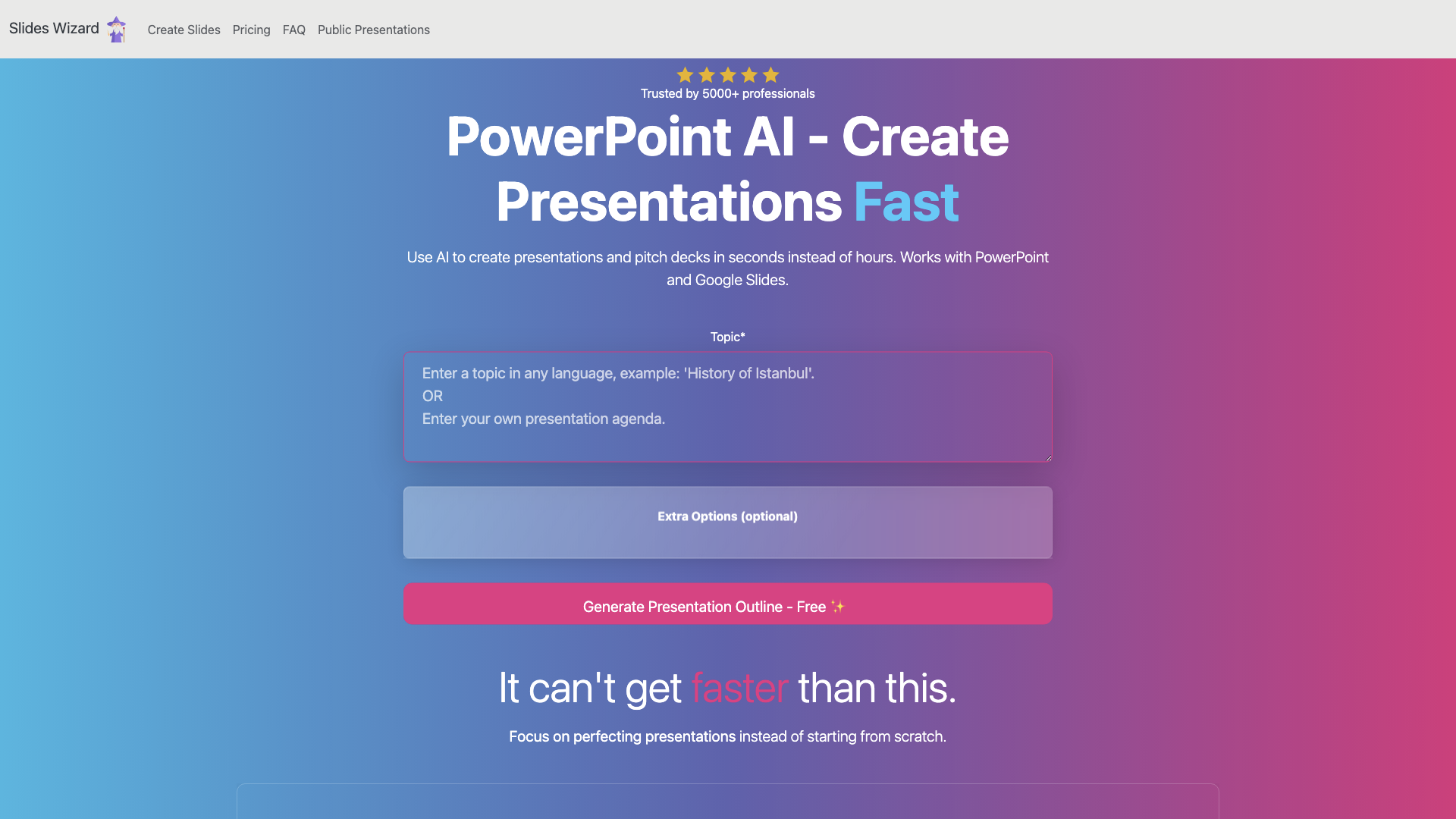
What is SlidesWizard?
SlidesWizard is an AI-driven platform that revolutionizes the way you create presentations. This innovative tool uses ChatGPT to generate high-quality slides content, making it possible to create professional presentations in seconds instead of hours.
Key Features of SlidesWizard
-
Lightning-Fast Presentation Creation: SlidesWizard generates presentations about any topic, structuring the outline, adding images, and even including speaker notes.
-
Variety of Slide Templates: The platform offers a range of templates, including bulletpoints, text and image, timeline, Venn diagram, and pie charts, to ensure your presentation is engaging and informative.
-
AI-Powered Content Generation: SlidesWizard leverages the power of ChatGPT to create high-quality content, saving you time and effort.
How to Use SlidesWizard
Using SlidesWizard is straightforward:
-
Select a Topic: Choose the topic you want to create a presentation about.
-
Customize Your Options: Select a template, language, and target audience to tailor your presentation.
-
Generate Your Presentation: SlidesWizard will create a professional presentation in seconds.
Pricing and Plans
SlidesWizard offers two pricing plans:
Free Plan
- Create slides for any topic
- View presentation online
- Share slides with friends
- Remove watermark
- Export to PowerPoint and Google Slides
- Download PDF
Pay-per-use Plan ($2.50 per presentation)
- All features from the Free Plan
- Create slides for any topic
- View presentation online
- Share slides with friends
- Remove watermark
- Export to PowerPoint and Google Slides
- Download PDF
Comments
"SlidesWizard is a game-changer for anyone who needs to create presentations quickly and efficiently. The AI-powered content generation is impressive, and the variety of templates is a huge plus." - Rachel, Marketing Manager
"I was blown away by how fast and easy it was to create a professional-looking presentation with SlidesWizard. The perfect tool for busy professionals!" - David, Entrepreneur
Helpful Tips
- Use SlidesWizard to create presentations for work, school, or personal projects.
- Take advantage of the free plan to test the platform and create a presentation.
- Experiment with different templates and customization options to make your presentation unique.
Frequently Asked Questions
How does SlidesWizard work?
SlidesWizard uses ChatGPT to generate slides content and loads images from a photo search engine.
Can I create slides from my own notes?
Yes, simply copy your outline and paste it into our tool, and SlidesWizard will craft a presentation according to your outline.
Do the slides contain images?
Yes, every slide contains an image that matches the context.