What is Dictanote?
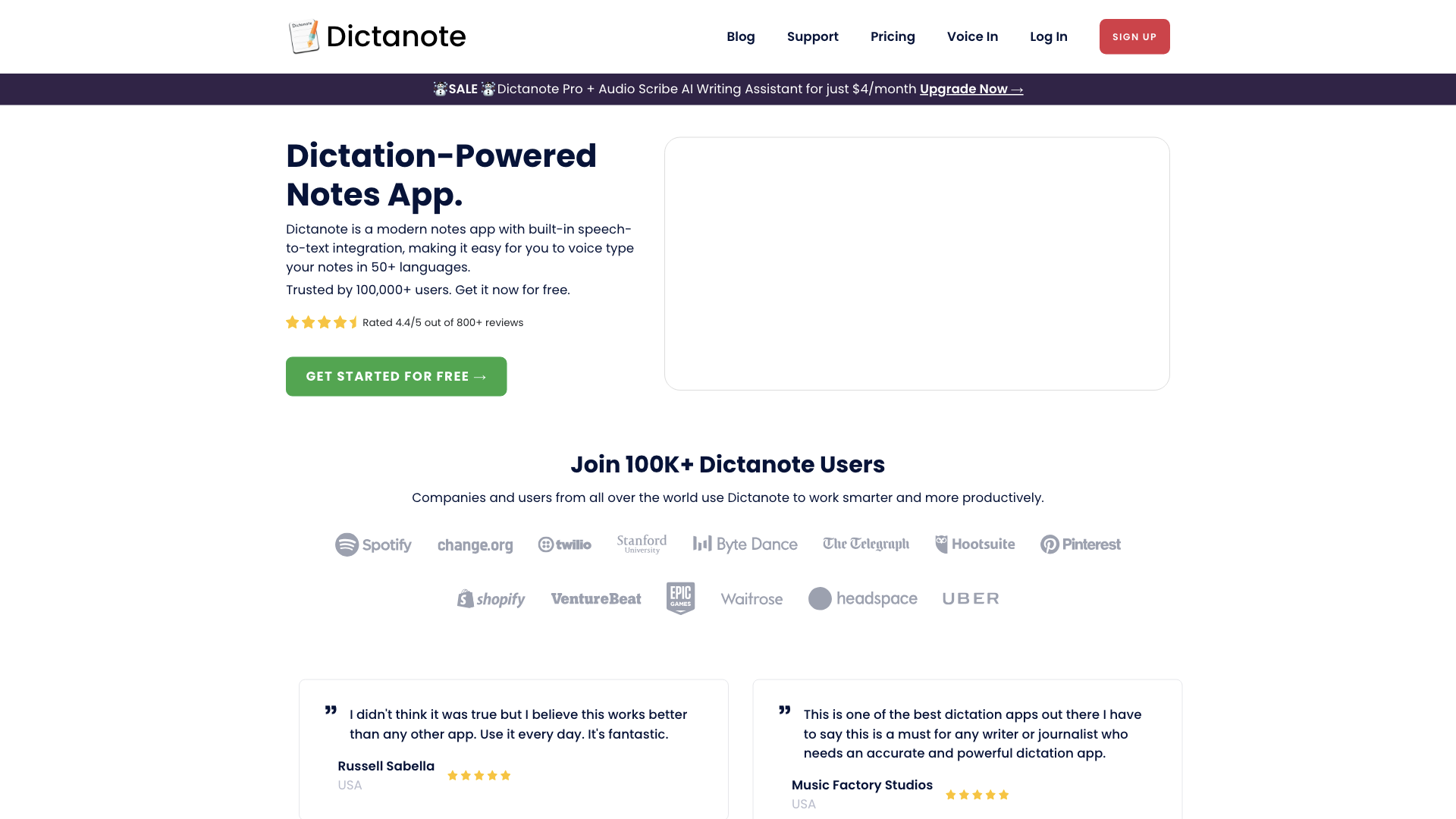
Dictanote is a cutting-edge note-taking app that leverages the power of speech-to-text technology, allowing users to voice-type their notes in over 50 languages. With its user-friendly interface and seamless integration with AI-powered tools, Dictanote has become the go-to solution for individuals and businesses seeking to boost their productivity.
Key Features of Dictanote
-
Accurate Voice Typing: Dictanote's advanced speech recognition technology ensures accurate transcription of your spoken words, with an impressive accuracy rate of over 90%.
-
Multi-Lingual Support: Dictanote supports speech recognition in over 50 languages and 80 dialects, making it a versatile tool for users worldwide.
-
Voice Commands: Use voice commands to insert punctuation, technical terms, and correct mistakes, streamlining your note-taking process.
-
Keyboard Shortcuts: Utilize keyboard shortcuts to start/stop dictation and easily switch languages, further enhancing your workflow.
How to Use Dictanote
Dictanote is incredibly easy to use. Simply sign up for a free account, and you'll be able to access the app's features, including voice typing, punctuation insertion, and language switching. With Dictanote, you can:
-
Create Notes: Use voice commands to create new notes, add paragraphs, and insert punctuation marks.
-
Edit Notes: Make changes to your notes using voice commands or keyboard shortcuts.
-
Access Notes: Sync your notes across all devices, ensuring seamless access to your work.
Pricing and Plans
Dictanote offers a range of plans to suit your needs, including a free plan and a premium subscription option. The premium plan, Dictanote Pro, provides additional features, such as:
-
Audio Scribe: A smart AI writing assistant that converts your voice notes into clearly summarized text.
-
Priority Support: Get priority assistance from the Dictanote team to ensure you get the most out of the app.
Comments
Dictanote has received rave reviews from users worldwide, with many praising its accuracy, ease of use, and versatility. Here's what some of our satisfied customers have to say:
- "I didn't think it was true, but I believe this works better than any other app. Use it every day. It's fantastic." - Russell Sabella, USA
- "This is a great web app to speak to text for my Windows Laptop. Easy to use and auto-saves your notes. I love it." - Phil H, USA
Helpful Tips
-
Use Voice Commands: Take advantage of Dictanote's voice commands to streamline your note-taking process.
-
Practice Makes Perfect: The more you use Dictanote, the more accurate it becomes, so be sure to practice regularly.
-
Explore the Help Center: Dictanote's comprehensive Help Center is packed with tutorials, guides, and FAQs to help you get the most out of the app.
Frequently Asked Questions
-
What are the system requirements to use Dictanote?: Dictanote works on Windows, Linux, and Mac in Google Chrome and Microsoft Edge, as well as on Android and iPhone devices.
-
Can I convert audio files to text?: Yes, you can use Dictanote Transcribe to convert pre-recorded audio files to text.
-
How does Dictanote keep my data safe?: Dictanote takes your privacy seriously, storing your notes securely encrypted on our servers and relying on Chrome's speech-to-text API to convert audio to text.