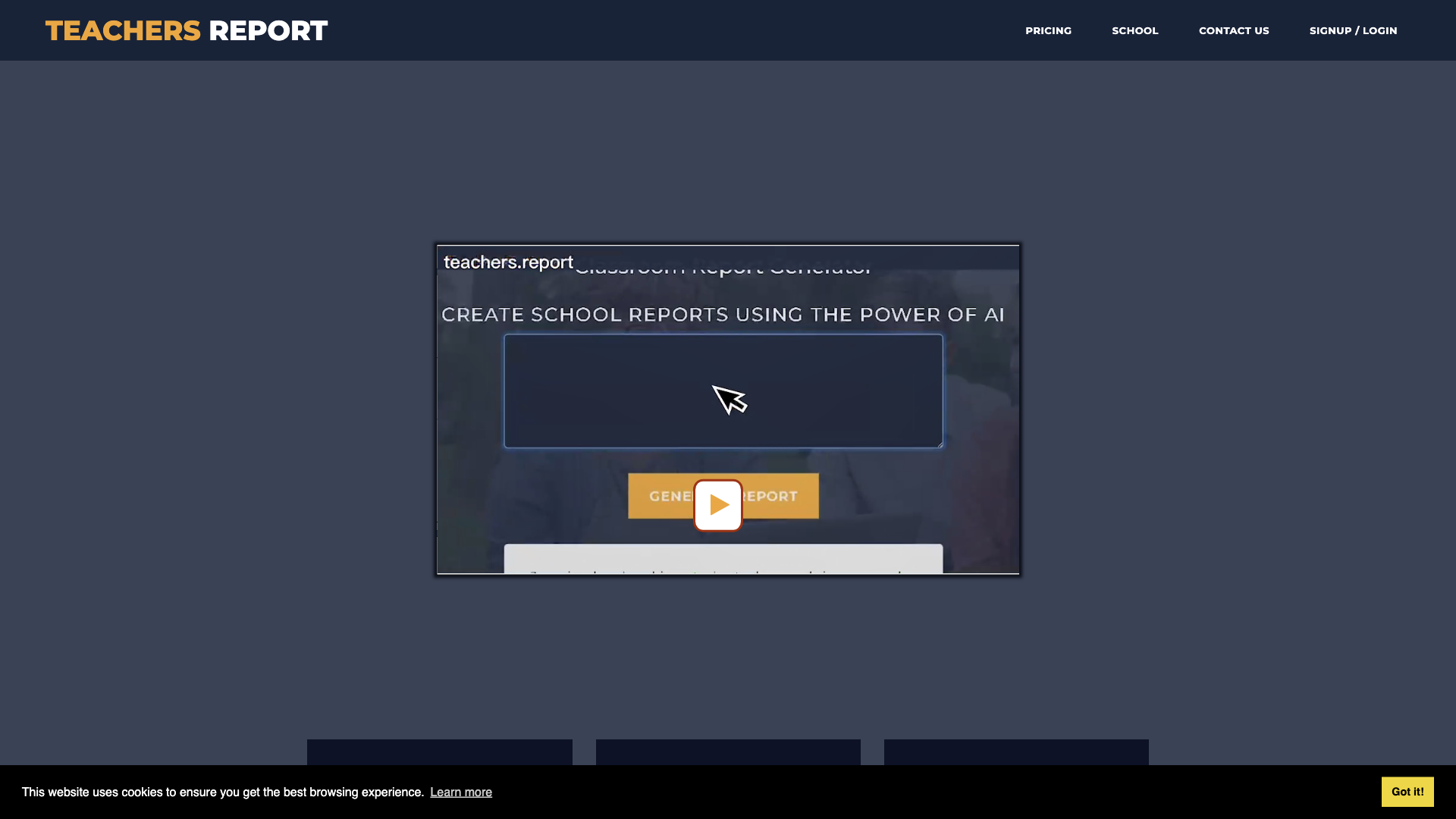
What is Teachers Report Writer?
Teachers Report Writer is an AI-driven platform that revolutionizes the way teachers write school reports. This cutting-edge tool utilizes AI technology to generate personalized, perfectly formed reports in seconds, saving teachers valuable time and effort.
Features of Teachers Report Writer
-
Personalized Reports: Create tailored reports for each student with ease
-
Multilingual Support: Input and report output can be in any language
-
Google Classroom Integration: Seamlessly import student names and classes from Google Classroom
-
Export Options: Export reports to xlsx or docx files for easy upload to school MIS
-
Ultra Low Cost: Fair, pay-as-you-go pricing with unused credits never expiring
-
Free to Get Started: Sign up and receive 50 complimentary student reports with no credit card required
How to Use Teachers Report Writer
-
Add Brief Comments: Enter a few bullet points for each student
-
Let the AI Generate: Allow the AI to write a full, flowing report in seconds
-
Export and Upload: Export reports to xlsx or docx files and upload to school MIS
Pricing and Free Credits
-
Fair Pricing: Pay only for what you need, with unused credits never expiring
-
50 FREE Credits: Sign up and receive 50 complimentary student reports with no credit card required
Comments
- "A game-changer for teachers! No more tedious report writing, and the AI-generated reports are always perfect." - Rachel, High School Teacher
- "I was skeptical at first, but the reports generated by Teachers Report Writer are truly impressive. The time I've saved is invaluable!" - John, Primary School Teacher
Helpful Tips
-
Be Specific: Provide detailed input for each student to get the most out of the AI-generated reports
-
Use Google Classroom Integration: Save time by importing student names and classes from Google Classroom
Frequently Asked Questions
-
Q: Will my information be used for training data?
A: No, we highly value user privacy, and your data will not be used for any training purposes.
-
Q: Can I export reports to other file formats?
A: Currently, we only support xlsx and docx file formats, but we're working on adding more options soon!