What is Quickchat AI Assistant?
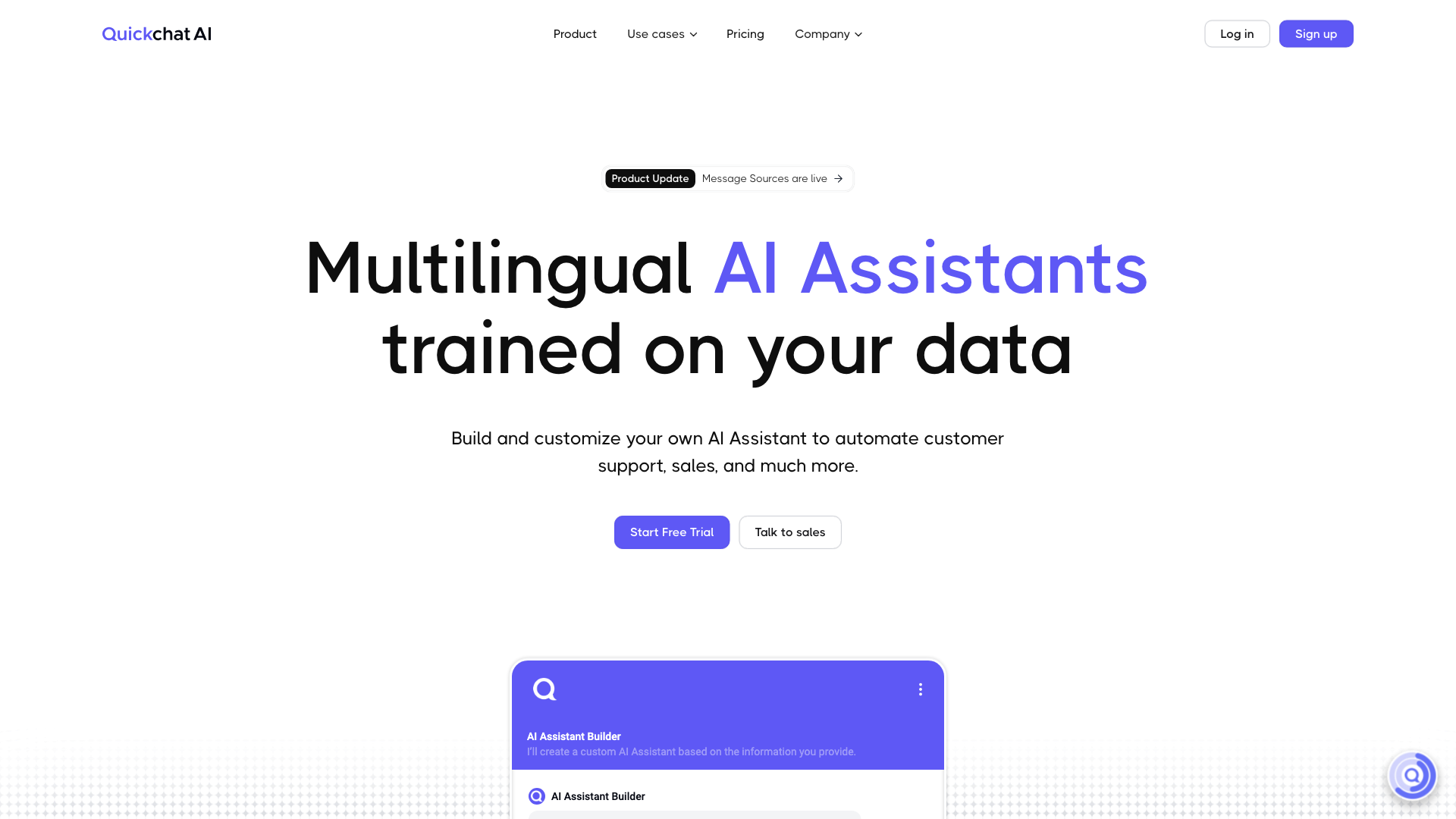
Quickchat AI Assistant is a cutting-edge conversational AI platform that empowers businesses to automate customer support, sales, and more with its multilingual AI Assistants trained on your data.
Features of Quickchat AI Assistant
-
Multilingual AI Assistants: Build and customize your own AI Assistant to automate customer support, sales, and more in 100+ languages.
-
Automated Human Handoff: AI Assistant automatically hands over conversations to your team when needed.
-
Custom Translations: Specify particular translations to maintain your brand voice.
-
Easy Knowledge Base Import: Import data through URLs, PDFs, Intercom Articles, or just paste the text into the interface.
-
AI Professions: Customize AI Assistant to work towards specific goals, such as Customer Support Representative, Shopping Assistant, or Field Expert.
-
Conversation Analytics Dashboard: Stay informed about your Assistant's performance and conduct analyses.
How to Use Quickchat AI Assistant
-
Personalize AI Assistant: Name your Assistant, choose its AI Profession, and add Guidelines.
-
Adjust Conversation Style: Choose languages, tone of voice, creativity, and more.
-
Add Knowledge & Actions: Add knowledge manually or import it from your sources.
-
Deploy and Integrate: Deploy on your website or connect to your apps.
Pricing of Quickchat AI Assistant
Start with a 7-day free trial to build and customize your AI Assistant. Custom conversational AI solutions available. Book a demo to learn more.
Comments
"Quickchat AI has revolutionized the way we work, saving us immense amounts of time and effort. It has become such an integral part of our team that we can't imagine life without it." - Richard Bandoy, Business Process Manager
"We've had 2,000+ interactions with the Assistant with a user satisfaction rate of 100%. Quickchat AI had everything we needed: ease of building the Knowledge Base, user-friendly interface, multilingual abilities, and responsive customer support." - Michael La Riviere, Enterprise Web Architect
Helpful Tips
-
Start small: Begin with a simple use case and scale up as you become more comfortable with the platform.
-
Customize thoroughly: Take advantage of the platform's customization options to ensure your AI Assistant aligns with your brand voice and goals.
-
Monitor performance: Regularly review your Conversation Analytics Dashboard to optimize your AI Assistant's performance.
Frequently Asked Questions
-
What is the difference between Quickchat AI Assistant and other conversational AI platforms?: Quickchat AI Assistant offers unparalleled customization options, multilingual capabilities, and a user-friendly interface.
-
How do I integrate Quickchat AI Assistant with my existing tools and systems?: Our platform offers seamless integrations with various tools and systems. Contact our team to learn more about custom integrations.
-
What kind of support does Quickchat AI Assistant offer?: Our responsive customer support team is available to assist you with any questions or concerns you may have.